

Back to top
 

optical mice

Optical mice designed for smooth tracking and all-day comfort

Optical mice use light-based tracking technology to deliver accurate and reliable cursor control, making them the go-to choice for most computer owners over the years.

Our optical mice come in a variety of forms, from compact models designed to be plugged into a laptop on-the-go, to clever contoured shapes that offer better support for greater comfort.

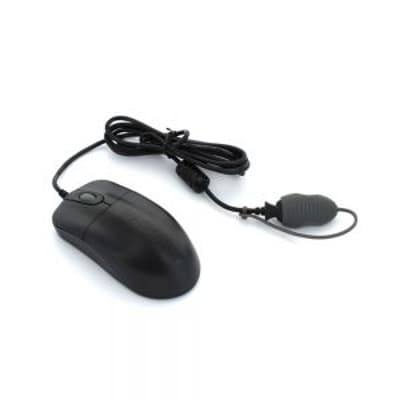
11 Items

11 Items

    What is an optical mouse?

    An optical mouse is a computer mouse that uses a small camera and light sensor to track movement. Instead of a rolling ball, it uses LED light to detect how the mouse moves across a surface, giving smoother and more accurate control.

    How does an optical mouse work?

    Optical mice use a small camera in conjunction with an infrared or red LED light to view and track their location. Essentially, they bounce light from the work surface and then capture and map the reflection data. Optical mice typically have lower sensitivity than laser mice, which allows for accurate moving without any jittering.

    What is the difference between a ball mouse and an optical mouse?

    While a ball mouse uses a trackball to monitor its location, an optical computer mouse uses a sensor. There are different reasons to choose each of these mice. If you are looking for increased precision and accuracy, an optical mouse could be a great choice. Alternatively, if you need a comfortable mouse that will help you reduce unnecessary wrist movements, a trackball mouse could be the way forward.

    Ensure the perfect fit! Our comprehensive mouse buying guide makes your decision easy.

    Do optical mice have lasers?

    Not usually. Optical mice use LED light, not lasers. Laser mice have a different type of tracking technology.

    What is the difference between laser mice and optical mice?

    The main difference is the type of light they use:

    • An optical computer mouse uses LED light and works best on opaque, matte surfaces.
    • A laser mouse uses a laser, allowing it to work on more types of surfaces, including glossy ones.

    For most everyday work, an optical mouse is accurate and comfortable enough.

    Do optical mice need mousepads?

    Optical mice will function on most work surfaces without the need for a mouse pad. However, optical mice can struggle with surfaces that are particularly reflective. So, if your workstation or desk is made of glass or another reflective material, you may find a mousepad useful.

    Are optical mice wired or wireless?

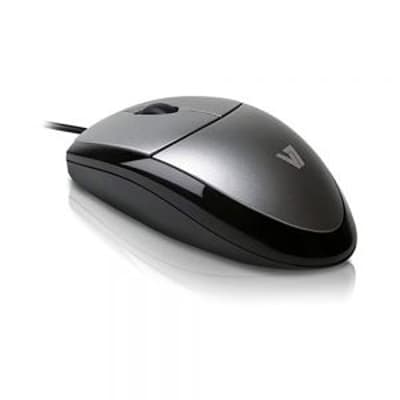
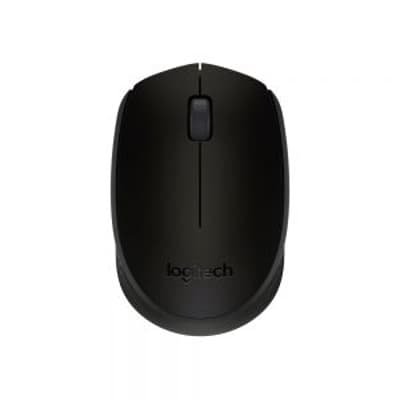
    Optical mice can be either wired (like the V7 MV3000 USB mouse) or wireless (like the Logitech M171 wireless optical mouse). Both versions use the same sensor technology: the choice mainly comes down to preference for flexibility (wireless) or a constant, uninterrupted connection (wired).

    Are ergonomic optical mice worth it?

    Yes. Ergonomic optical mice provide several benefits over traditional mechanical models. They don’t rely on moving parts, so they’re more durable and less likely to become clogged with dust. Because they use LED tracking, they offer smooth, accurate cursor movement and don’t normally require a mouse mat unless the surface is very glossy. Optical sensors also tend to have slightly lower sensitivity than laser sensors, which helps reduce jitter and supports more controlled, precise movement.

    How does a computer mouse detect movement?

    The tracking technology of a computer mouse is the method it uses to detect movement across a surface and translate that movement into cursor motion on the screen.

    Today, there are three main types:

    1. Optical tracking (LED-based): Uses an LED light (usually red or infrared) and a small camera sensor
    2. Laser tracking: Uses a laser instead of an LED
    3. Mechanical (older technology): Uses a rubber ball that rolls as you move the mouse

    Your perfect workstation setup is one click away. Shop now!