




How can you take care of yourself when you work from home? In this essential infographic for remote workers’ health and safety, the wellbeing specialists at Posturite help you identify and fix bad WFH habits. Learn to set up an ergonomic workstation and more for better remote work health and a happy work-life balance.
Remote working is popular and can have many perks, but it doesn’t come without risks to your health and wellbeing:
- Mental health risks, including isolation, unhealthy stress, and blurred work-life boundaries.
- Physical health risks including musculoskeletal disorders and pain, insufficient physical activity and eye strain.
This holistic homeworking health check-up also includes tips for your working environment because it’s amazing how much the world around us impacts how we feel internally.
Take care of the effect that your equipment, workspace, working pattern, work-life balance, lighting, airflow, and cleanliness have on your health when remote working.
Download Remote Workers Health and Safety Infographic

If you would like personalised remote work health advice from a qualified workstation assessor, you can book a Face-to-Face DSE Workstation Assessment or Virtual DSE Workstation Assessment with the Posturite team now. These risk assessment consultations can take place in any homeworking space.
Physical wellness when remote working
It’s possible to help prevent the aches and pains that can creep in when we’re doing long hours of desk work, when we take care of our posture and positioning, and take short regular breaks known as microbreaks to regularly move our bodies and reduce our sitting time too.

‘Move More Work Better’ is a mantra worth keeping in mind! Staying in one position for too long is tough on your body – this ‘static loading’ can create muscle tension, discomfort, and even lead to musculoskeletal disorders (MSDs).
Check out the infographic above for guidance on how to create an ergonomic position when we’re doing Display Screen Equipment work from home (computer work).
What is the best posture for working from home?
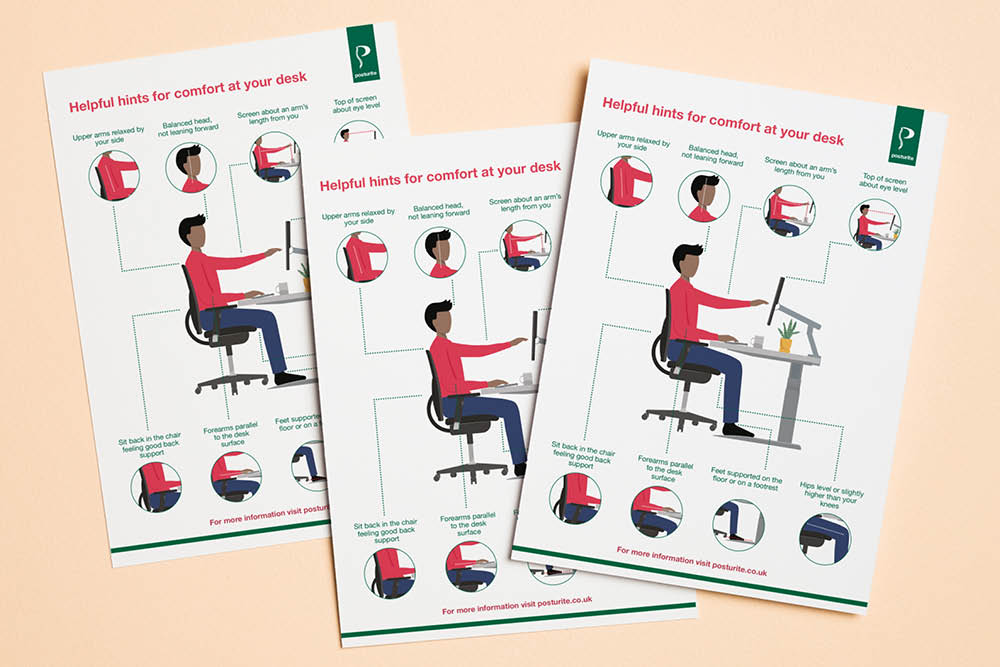
If you’re sitting to input into a computer, for your remote work health, it’s important to position your body as follows:
- Sit back in an adjustable ergonomic chair, ensuring you feel good back support.
- Adjust your chair so your hips are level or slightly higher than your knees.
- Have your forearms parallel to the desk surface.
- Have your feet supported on the floor or on a footrest.
- Relax your upper arms by your side.
- Avoid leaning your head forward.
- Position your screens about an arm’s length from you.
- Have the top of the screen about eye level.
We show you how to correctly adjust your office chair in more detail in Why ergonomic chair adjustments matter.
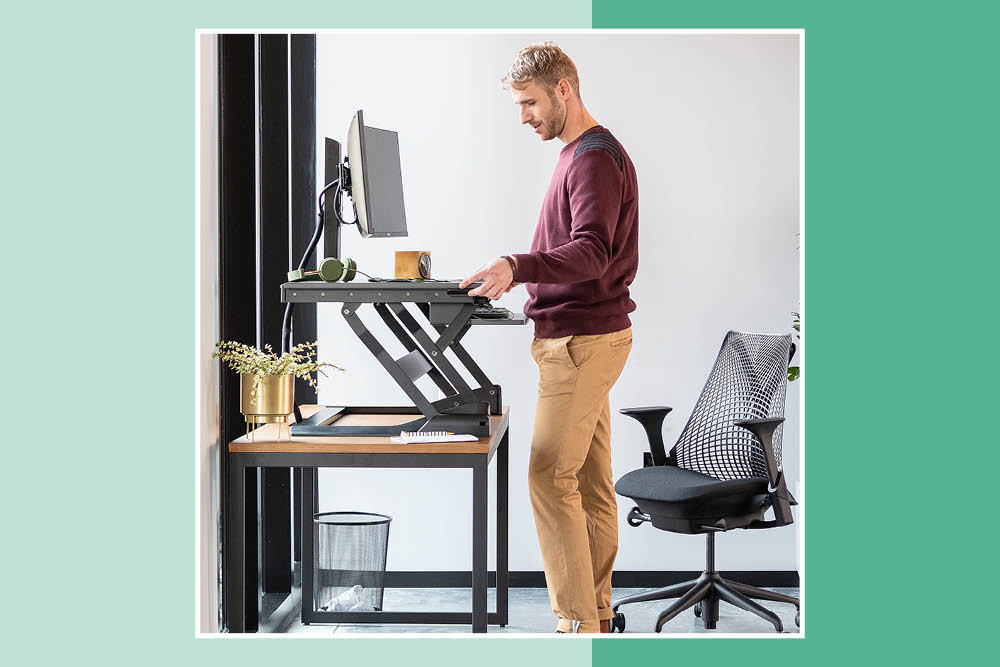
Sit-stand desks are a great way to reduce your sitting time, which has a positive effect on your overall posture and health! A popular space-saving alternative choice for remote worker wellbeing is a sit-stand desk converter, which you can place on top of your existing desk or table at home.
Remember: employees can request reasonable adjustments for remote work, because an employer’s duty of care for health and safety remains the same. So do raise it if you are an employee and have a health issue needing support.
How often should you take a break when working from home?

As Katharine Metters explains in our health webinar: How often you should take a break depends on what we are doing and the position we are in:
In general, however, you should take a short break of one to two minutes every 20 minutes. This is the recommendation from Stanford University and you’ll reap the health, wellbeing and productivity benefits while remote working. Then also take a longer break of at least 30 minutes during your workday, and aim to make it an active break. These breaks are also a great tactic to reduce your risk of headaches.
How can you get exercise when you work from home?
Stretching your arms and legs, grabbing a drink, popping to the toilet, starting some washing, sorting your recycling, or playing with a pet all count as gentle exercise for remote work health. Running up and downstairs to receive a parcel, popping out for a minute’s fresh air, or rearranging your files on tall shelves all get you moving in a healthy way.

You should also do some workstation exercises and move your wrists, hands, forearms, back, neck, shoulders, legs and ankles regularly while working.
Try also to complete different tasks in different locations and vary your posture. For example:
- Walk around to take a call.
- Watch a webinar in a soft seat.
- Make plans and scribble down notes in another area of the home – or even outdoors.
What tips are there for eyes in remote workers’ health and safety?
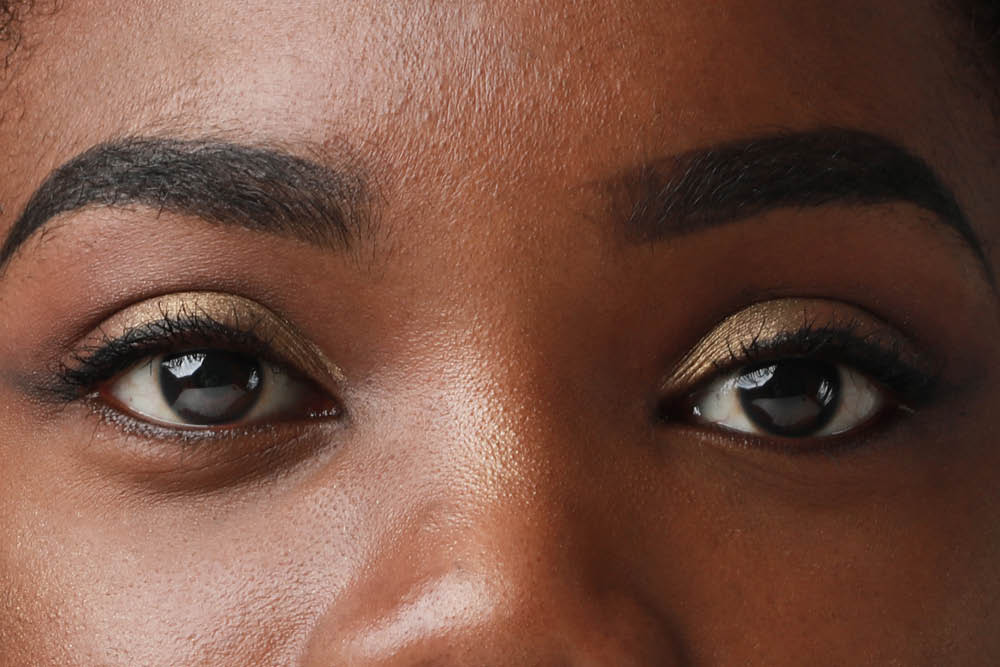
Let’s not forget about our eyes! To look after your eye health, you should:
- At least every 20 minutes, look at something 20 metres away for 20 seconds. This is called the 20-20-20 Rule.
- Make sure your screen is placed at a suitable distance, for most of us an arm’s length (50-62 cm) is a good starting point.
- To avoid glare and reflections on your screen, try to work with windows to your side, so you’re not facing windows or have your back to them.
How to look after your mental health as a remote worker
Sometimes, our wellbeing dips when we work remotely due to reduced human interaction and friendship. We could feel additional stress or a lack of motivation.

Consider the following questions and get support for mental health where you need it:
- Would it help to discuss any issues with my manager or HR department?
- Am I taking enough breaks?
- Am I doing enough of what I enjoy?
- What am I grateful for? Take time to focus on the good.
- Am I making use of technology to stay in touch with colleagues and feel included?
- Do I need to establish a better work routine?
A better work routine for home workers' wellbeing could include:
- A morning walk to refresh your body and mind.
- A lunchtime video chat.
Are employees happier working from home?
The average remote working experience scores 10 points higher than the average for office working, according to the globally-renowned Leesman Index in 2024.
Leesman has captured over 1.5 million employee responses on workplace experience since 2010, and their survey data for employee experience saw a 79.5 score out of 100 for home versus 69.5 for office. Happiness boosts experience, certainly. Dr Sepideh Yekani from Leesman says, “Our data has consistently shown that the average home supports the average employee better than the average office.”
The enjoyment of working from home will vary wildly between us, with our different personalities, needs and huge variations in the comfort and space we have available.
In a Posturite work from home survey, 34% of homeworkers found working from home lonely. Yet 36% feel ‘very well connected to their colleagues, by using chat and video calls’. The importance of relationships and impact on happiness can’t be neglected during our working days, and indeed relationships were identified as one of the six key drivers of workplace wellbeing by Professor Jan-Emmanuel De Neve and Dr George Ward in their research. So remote workers’ health and safety must include a focus on mental health.
How do you ensure work-life balance when working remotely?
Creating a healthy divide between work and personal lives is a challenge certainly, when your work equipment is 10 centimetres from your bed. Try to stick to your usual sleep and work routines as much as possible and wake up at your regular time, and have a nutritious breakfast.
Don’t be tempted to spend the day in pyjamas when you work remotely! Psychologically you need to differentiate your working time from your relaxation time, and the clothes will help.
If you’re enjoying not having to spend time commuting, aim to use that time before work to exercise, read, or listen to music before you log in and begin your workday.
Be disciplined to shut down your computer and avoid working longer hours on a regular basis: stop checking emails, and shift your attention to your home life at the end of the day – this is crucial to remote worker wellbeing.
Do other members of the household respect your working patterns? Decide together about rotas, childcare and other commitments so that it’s fair.
Optimising your home working environment

Working safely from home means maintaining your overall wellbeing, which is just as important as in a traditional office. Environmental factors all play a part in how comfortable and productive you can be as a remote worker:
Your equipment
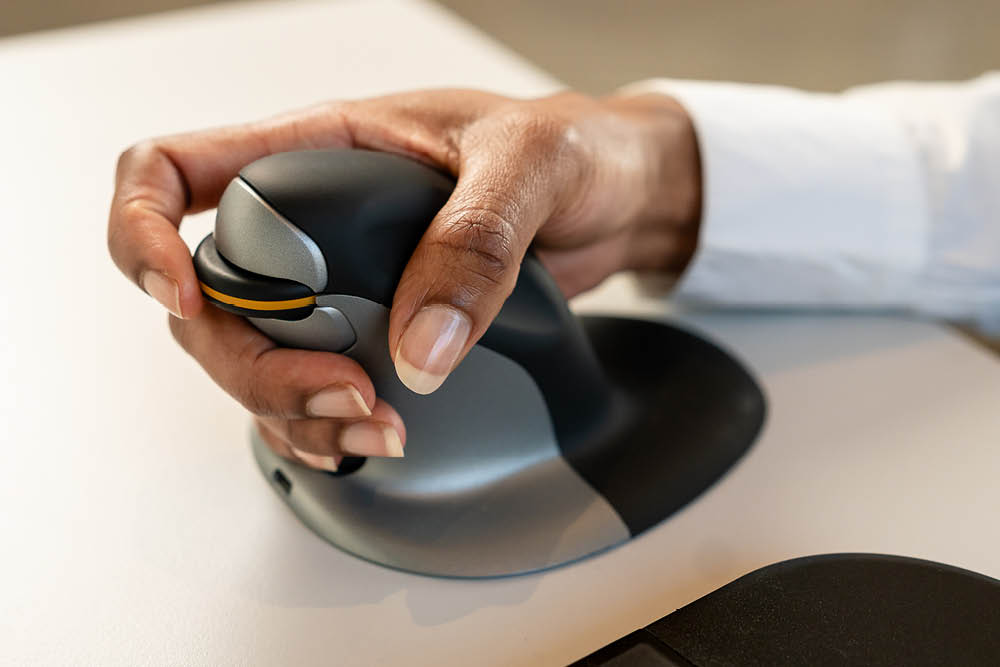
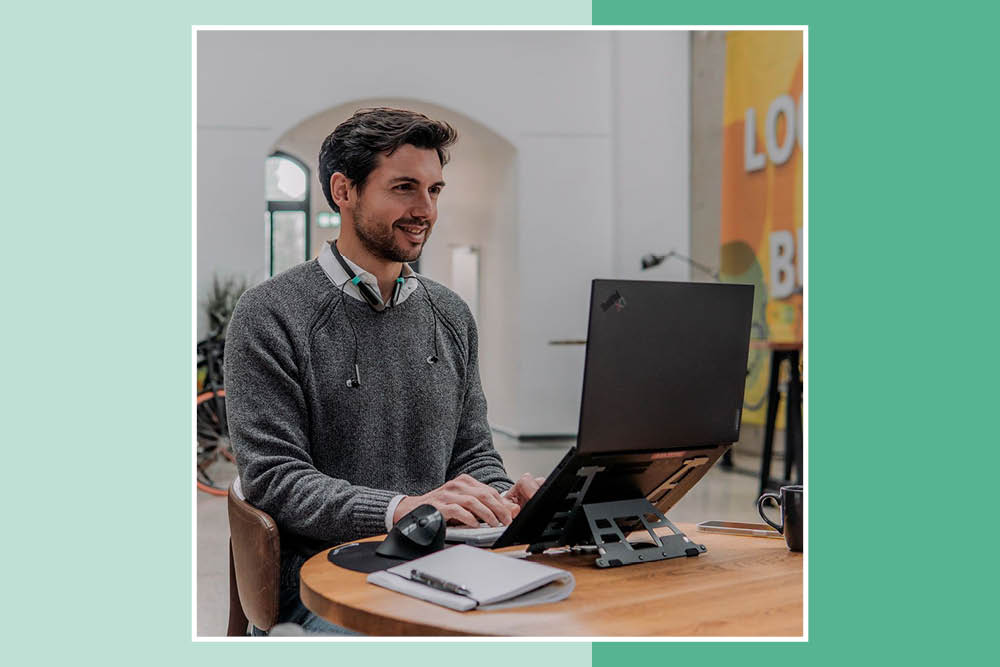
Can your employer provide you with ergonomic accessories to improve your working position, such as a laptop stand, separate keyboard and mouse? If you use a laptop, there’s more detailed tips in Your easy guide to healthy ergonomic laptop use.
Your workspace
Have you set out a designated area of the home for work? It could be a room or just a corner. Once work is over, consider dismantling the workstation or covering it to create a feeling of separation between work and home. There are foldaway desks available, including the Positiv Homeworker Desk with Foldaway Legs.
Lighting and airflow
Try not to work in direct light, but equally don’t spend the whole day in the dark. In the winter, you might add a desk lamp with low blue-light output and adjustable brightness levels to your workstation. Open the curtains, open the window, get plenty of fresh air.
Cleanliness
How clean is your workspace? Declutter every evening so you have a clear place to start in the morning.
Moving
Are you moving around? Ideally, you should try to complete different tasks in different locations to reduce the risk of health problems, including lower back ache, from being too sedentary.
Remote, but not alone
Our aim in this blog and infographic has been to show that you might well need support for your physical and mental health as a remote worker. ‘No man is an island, entire of itself’, wrote John Dunne, so don’t hesitate to ask for the support you need.
It’s crucial for management to support their employees and give remote workers’ health and safety due care and attention to reduce risk and boost productivity – and because it’s the right thing to do for the people who work hard for you. Comfort, happiness and good health are going to be a win-win for both employee and employer.
Read next: