




Nobody wants a ‘finger- wagging’ approach where we’re ‘told off’ for our poor office posture.
Instead you’ll find here good explanations of why you’ll feel much better in your ‘desk’ job if you give your posture a checkup. It’s miserable to suffer with neck and back pain yet often it only takes seconds to make the change to help prevent or stop it.
Guiding us through with the accurate information on posture at the office and home office in this article is Posturite’s Head Consultant Katharine Metters. As an ergonomist and trained physiotherapist, she’s passionate about improving posture, preventing pain and the power of ergonomics. We’ll take you through some quick fixes for common posture mistakes and give plenty of useful tips.
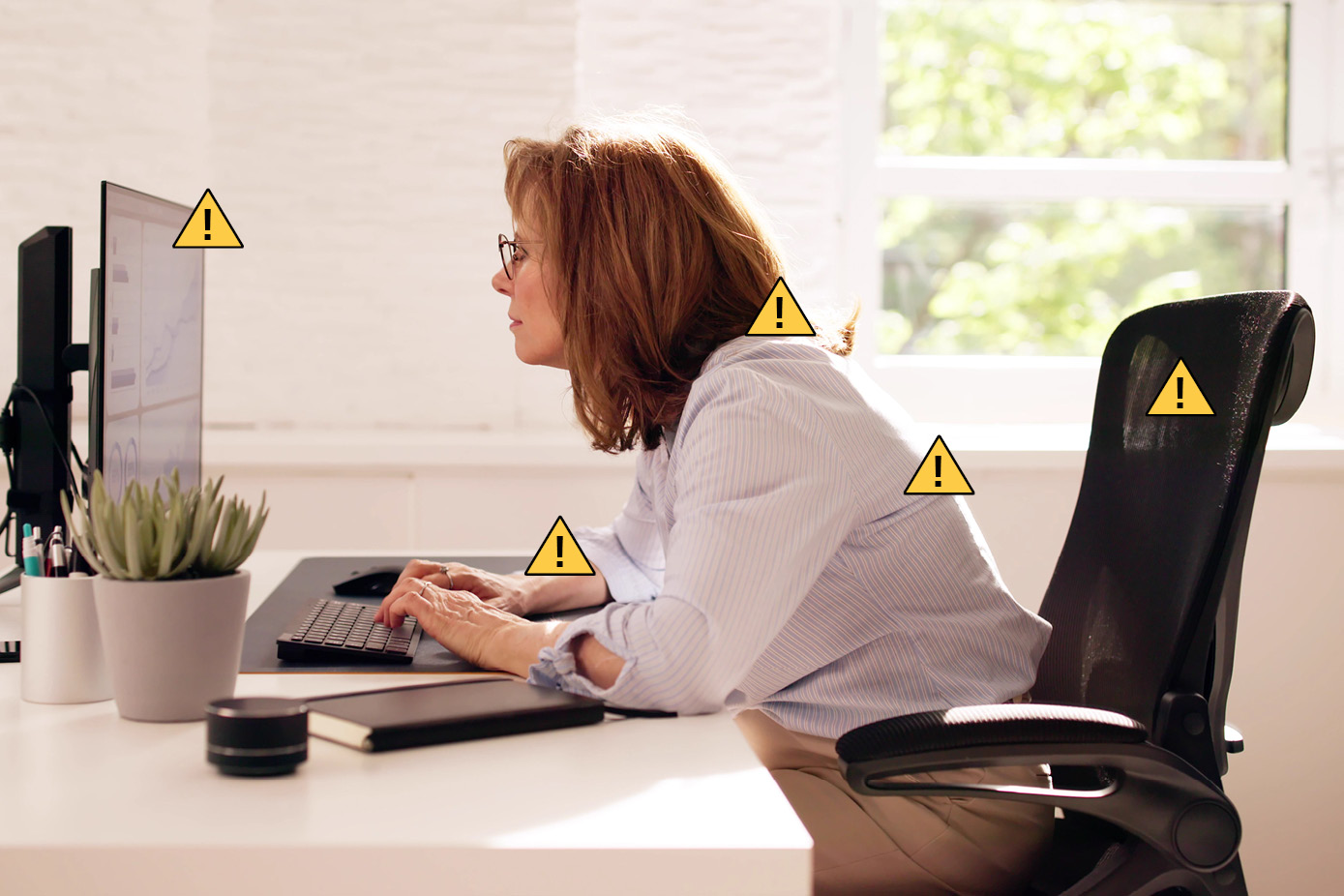
Poor posture creates a situation where the body works less efficiently and is more prone to strain and fatigue. The body can cope and adapt for short periods but strain for prolonged periods creates problems.
And on the flipside?
Good posture can enhance your mood, energy, and confidence as well as your health and wellbeing, so correcting posture mistakes simply makes good sense.
The 3 most common posture mistakes in the office
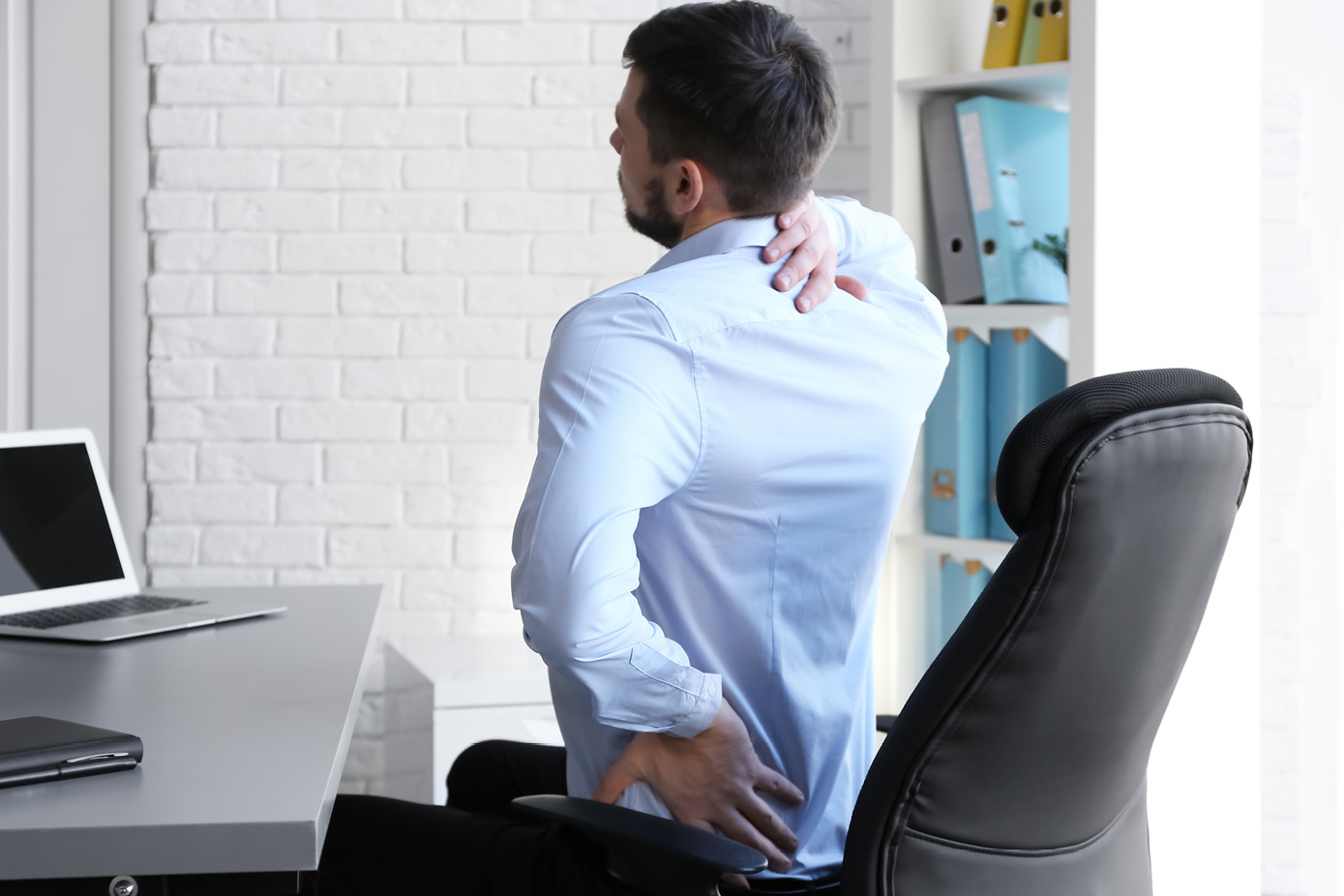
Some of the most common postural mistakes by office and home workers which can lead to discomfort and pain are:
- Forward head posture
- Sitting or standing for long periods without changing position
- Perching on the office chair with your back unsupported
Here’s how and why to avoid each poor posture habit:
Mistake 1: Forward head posture
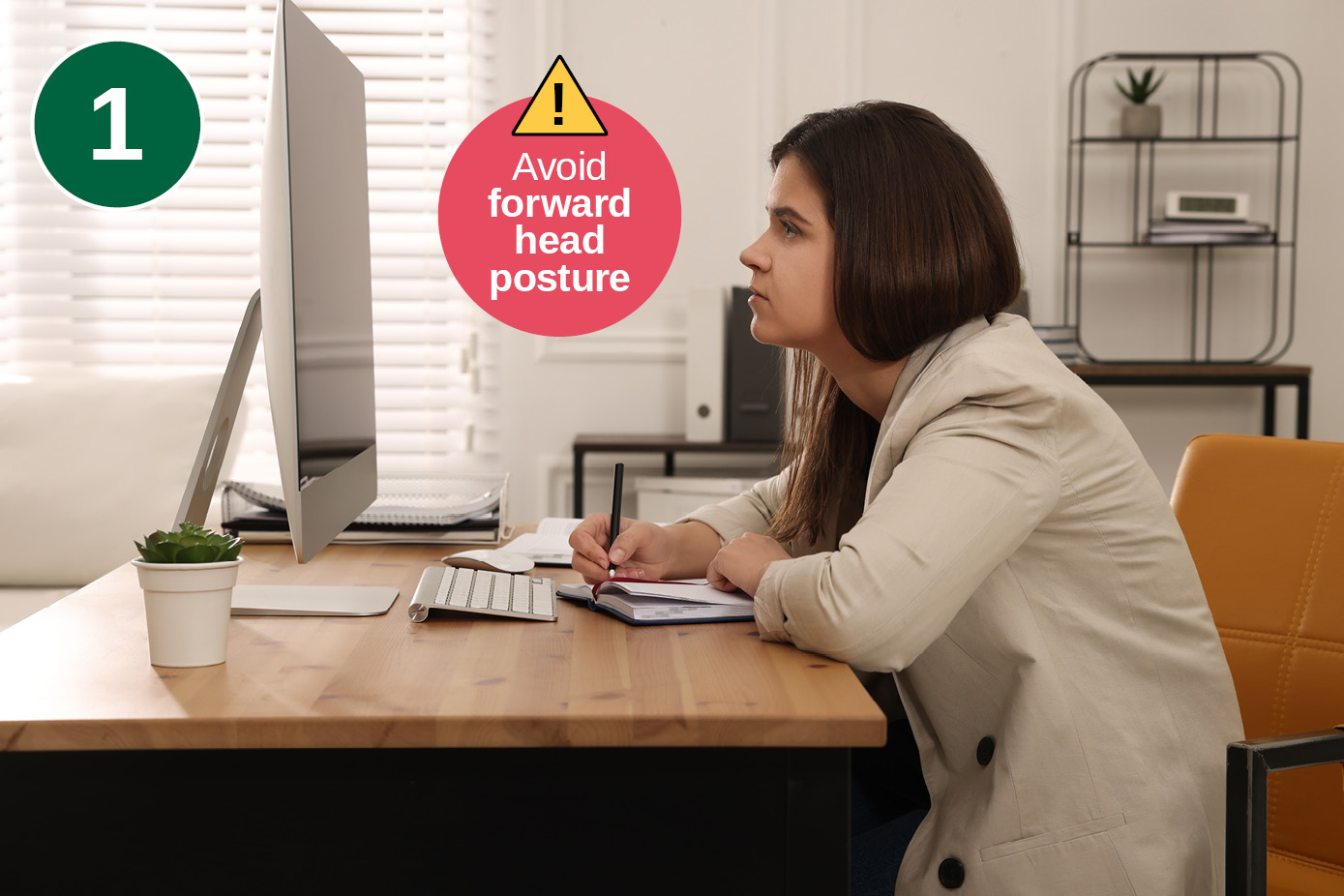
This postural misalignment when working is where your chin is poked forward towards the screen and your neck is angled forwards creating strain. It often causes pain.
Instead, try to have your head in an upright relaxed, neutral position with your ears aligned over your shoulders.
The problem of forward head posture (FHP) also known as ‘tech neck’ is that you’re adding significant strain to the neck muscles and spine and you're even compressing your chest and your abdominal area. Avoid this posture mistake to increase blood flow, reduce your risk of headaches, muscle tension in the neck and shoulders and discomfort in the middle of your back.

Research by Posturite’s partner Fellowes showed that 42% of office workers suffer from a sore or stiff neck and 55% believe their discomfort at work is caused by bad posture when sitting at their desk.
How to fix forward head posture at a desk

To avoid this common posture mistake:
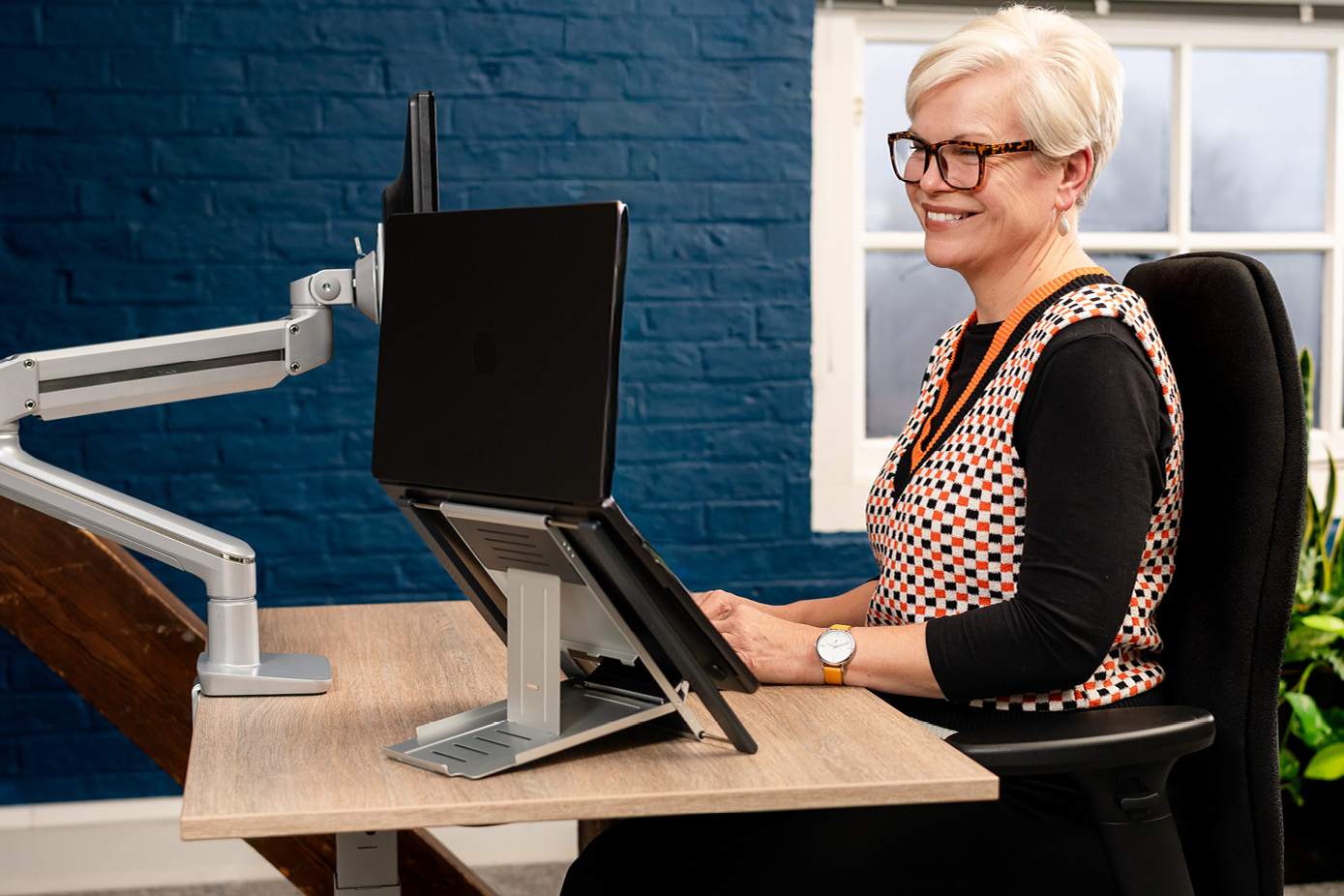
- Place your screen around an arm’s length away with the top at roughly eye level. Use a monitor riser, monitor arm or laptop stand to help you.
- If using a laptop for more than a short time, raise the screen and use a separate keyboard and mouse.
- Make sure you have regular eye tests to check your vision and that the text on the screen is large enough for you and has enough contrast.
- Take short breaks to move and relieve tension.

Plus:
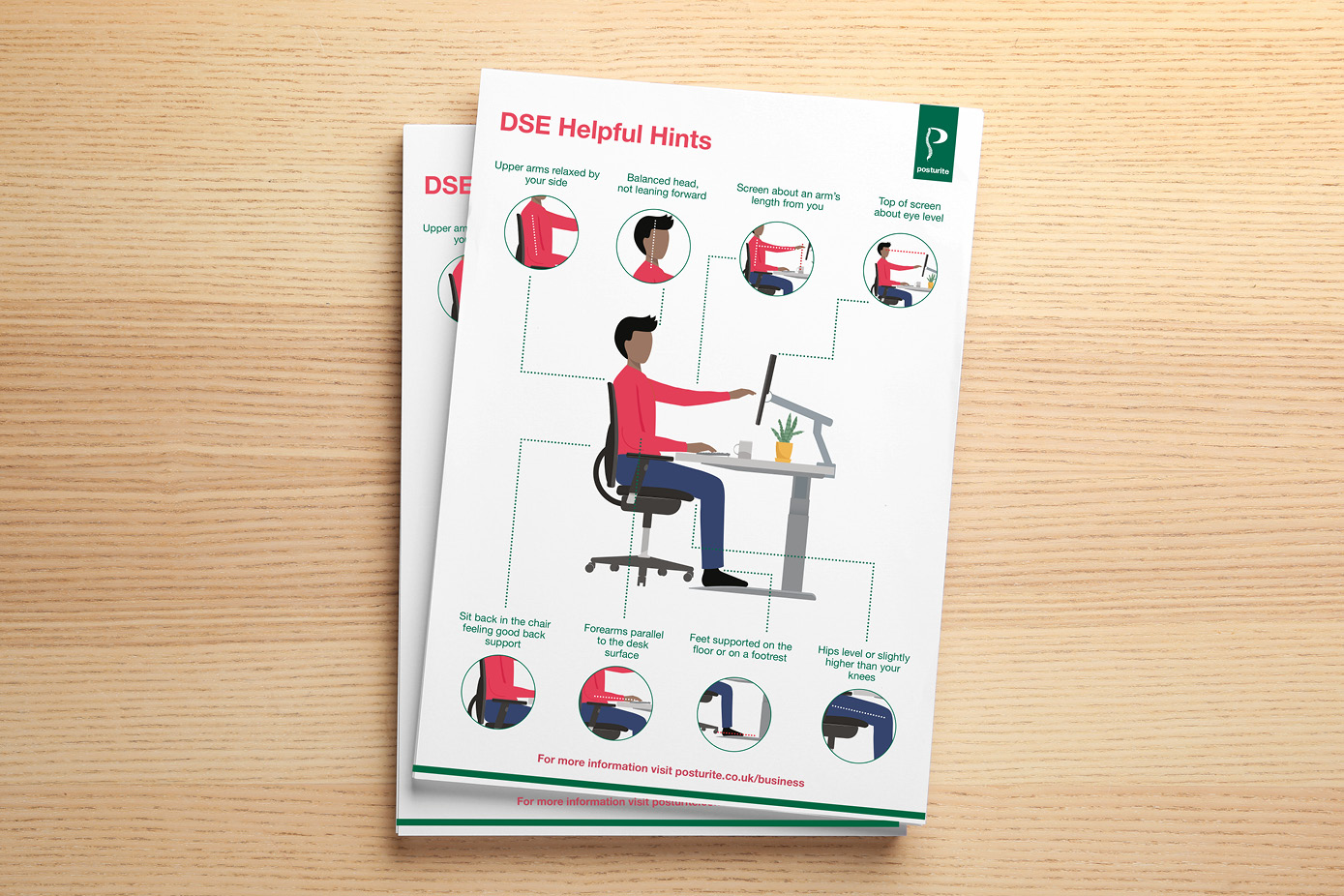
- Check your overall workstation positioning using the DSE Helpful Hints Factsheet to guide you on office posture. Ensure your back is well supported in an ergonomic chair with adjustability and that any lack of support isn’t affecting your neck and head positioning. Sitting back in your chair for support will help you avoid having your head in the forward head posture. Your chair should support a neutral spine position, keeping ears directly over shoulders.
Most popular products for forward head posture at a desk
Mistake 2: Sitting or standing for long periods without changing position
The body functions well when it moves on a regular basis and any posture, even lying down, means that the same muscles and structures will have to take the load. The longer they have to hold you, the more fatigued they're going to get. When you move, you encourage the circulation that provides tissues with the oxygen and nutrition they need to function well and stay healthy.
Why avoid sitting or standing for too long at work?
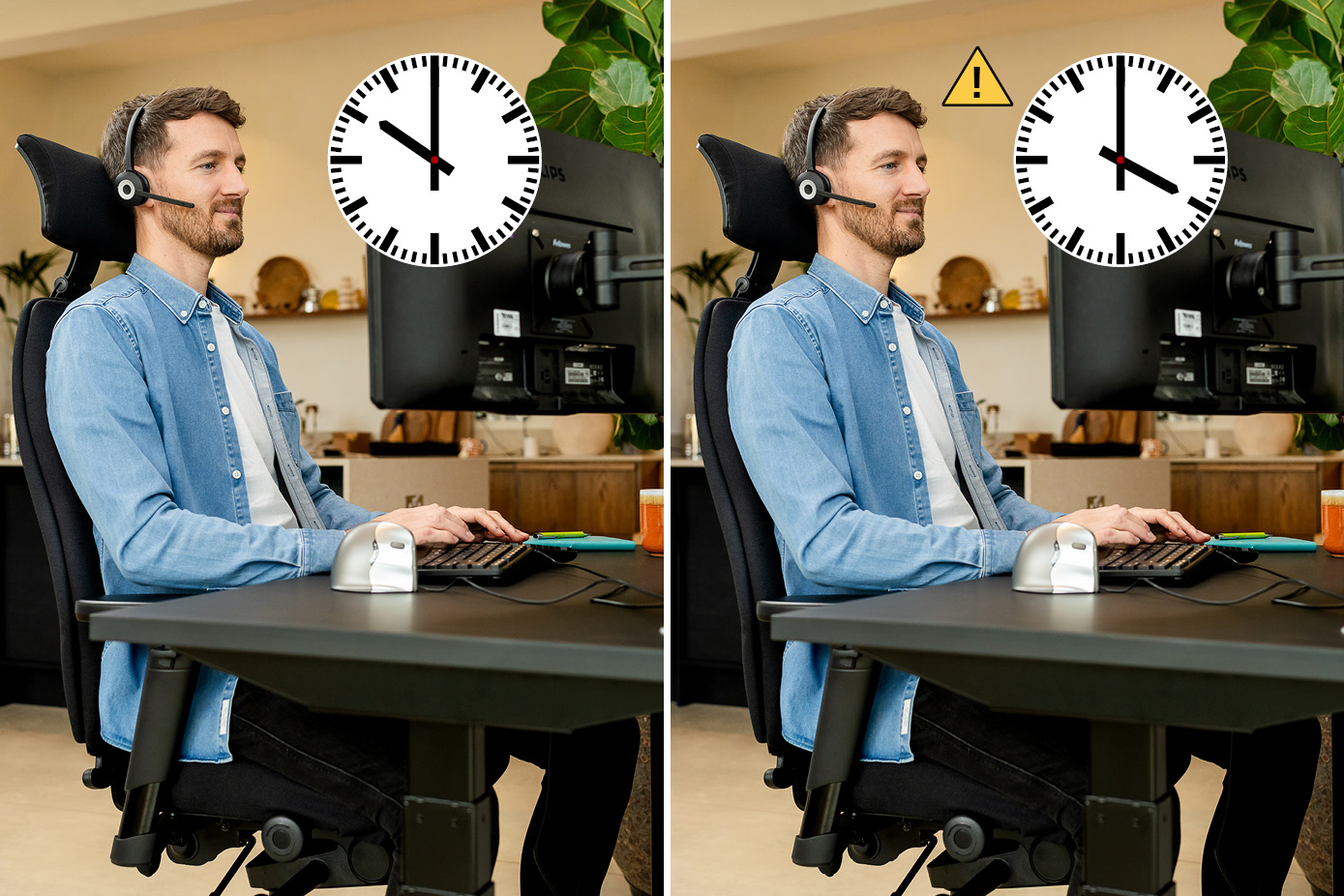
You'll be using the same structures (including muscles and ligaments) of your body for long periods of time, and none of them function well as a consequence. They all need a break. They all need to get refreshed with blood and get a rest.

The solution
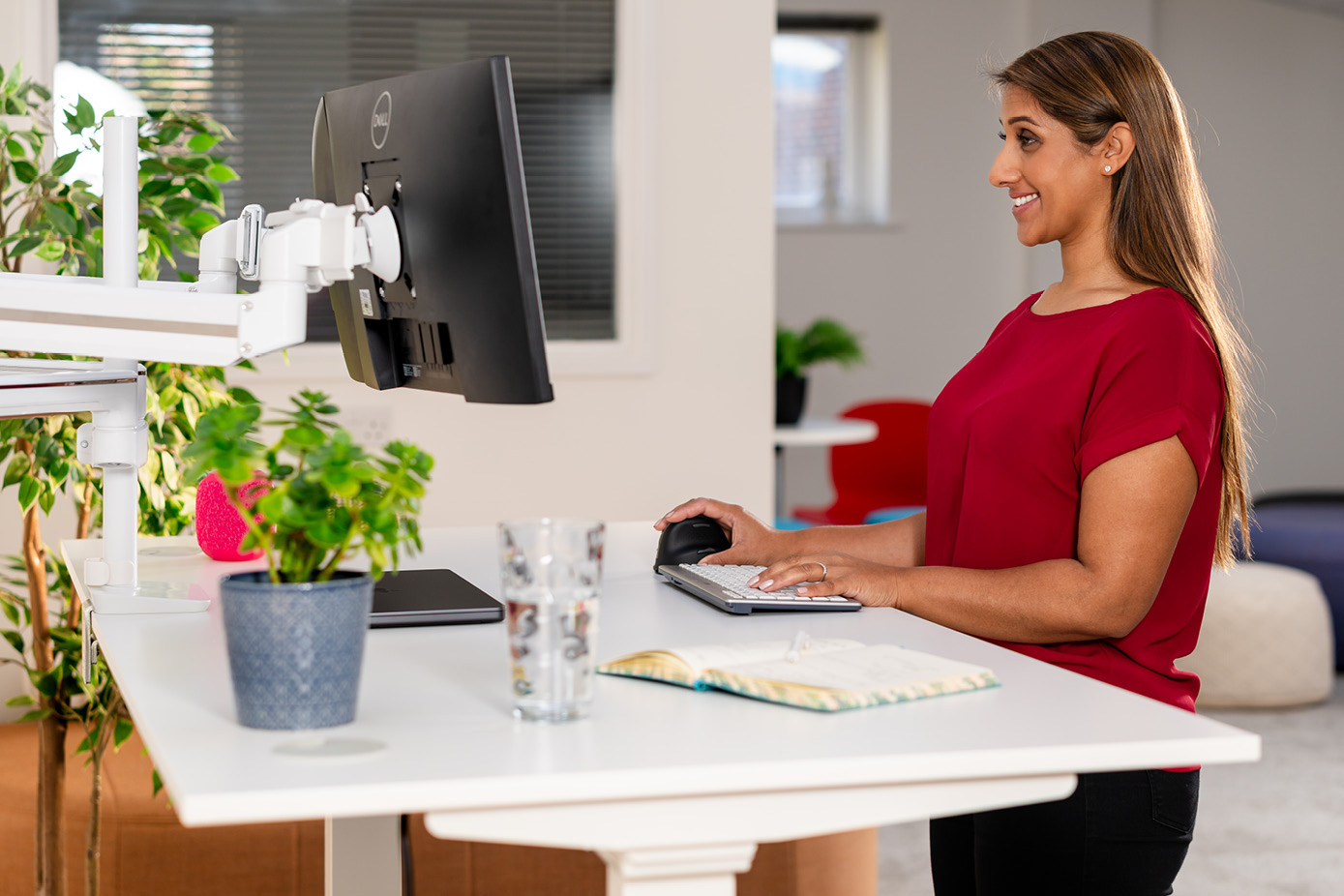
A series of good postures and movement is best in office posture for best health and wellbeing, rather than sitting or standing in the same position for long periods. You can use a standing desk or sit-stand desk converter to help you avoid sitting too long to work; this is an easy and healthy postural habit to pick up. You don't have to only sit to work. Try active working.
How long is too long to sit at work?
- Don’t sit for longer than an hour at work. That’s definitely a common posture mistake. Move away from your desk for a microbreak. (The worse your position; the more you need to move.)
- Introduce some standing or walking into your working day.
- Do a few short workstation exercises a couple of times a day, such as stretching your neck and shoulders.
- Take an eye break about every 20 minutes.
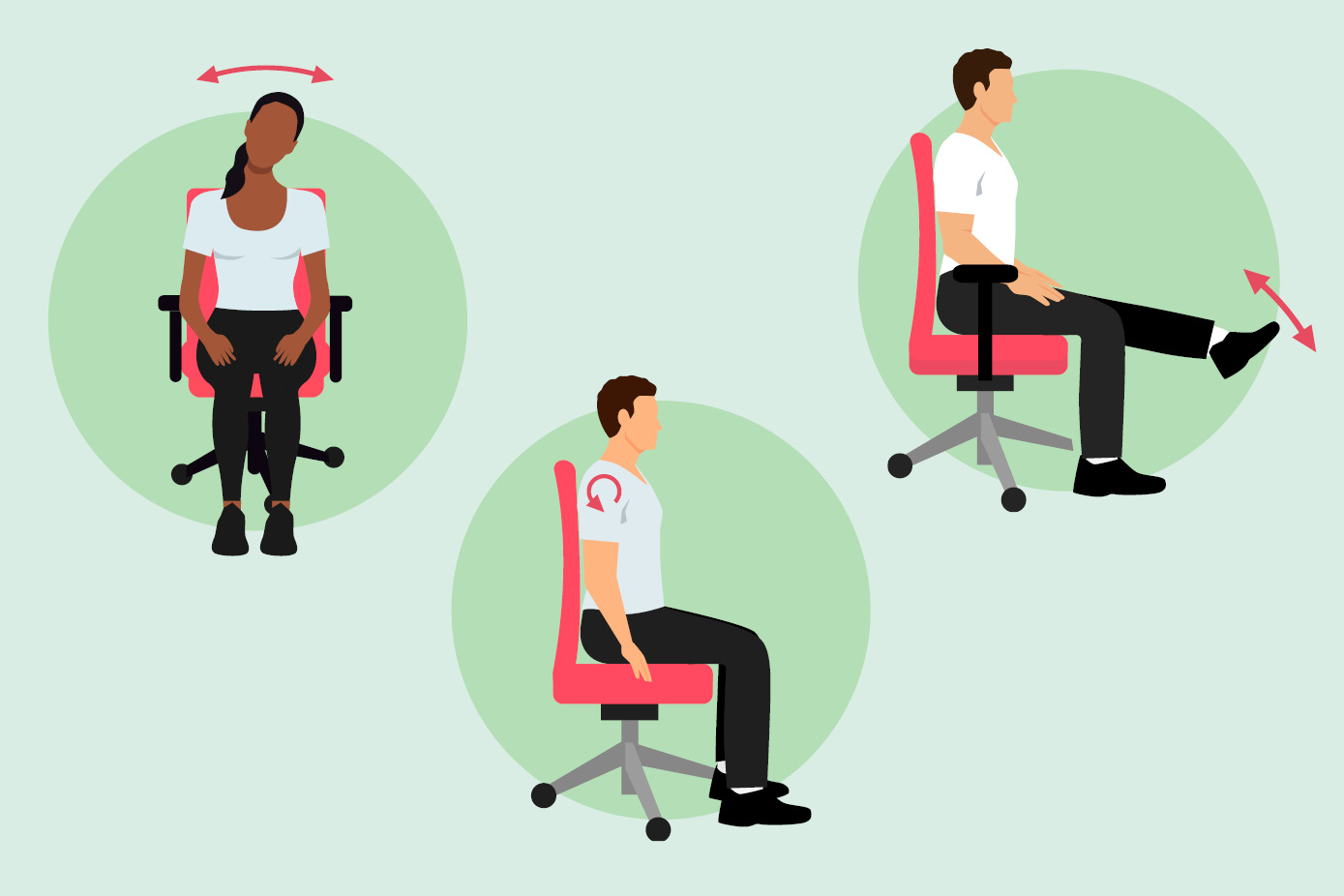
One of the benefits of working from home is being able to stretch your body without feeling self-conscious. Katharine Metters says “Go and lie on the floor and do a bit of thinking for two minutes! At home I will often go on all-fours and do some cat stretches between calls.” You’ll probably get your best ideas then too…
How long is too long to stand at work?
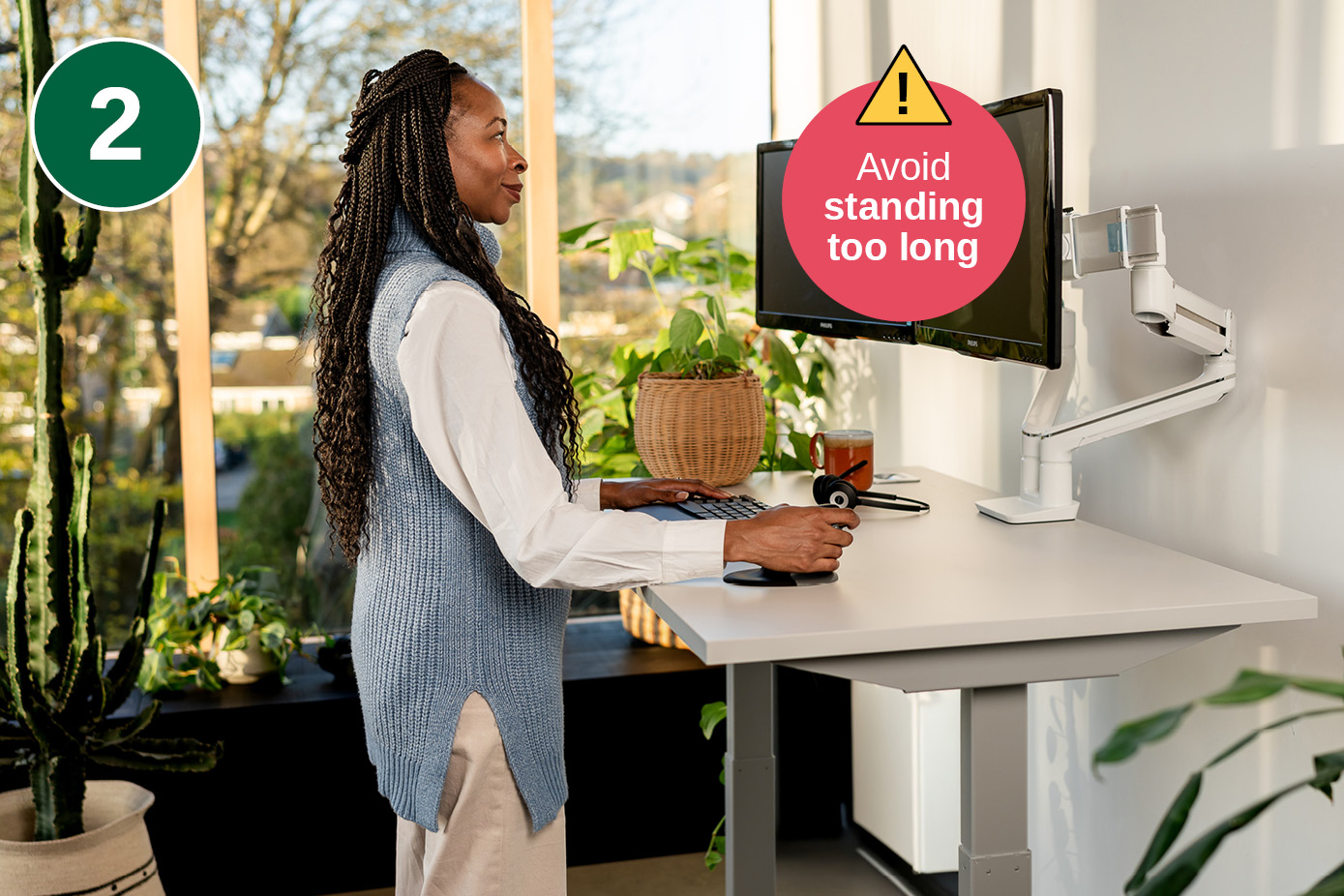
Don’t try and stand at a standing desk all day or for hours at a time. Instead, it’s recommended to stand for around 20 minutes at a time, adding up to around two hours in total per day in gradual stages.
Once you’re used to standing to work, you could stand for a few more 20-minute sessions if you like, to make three to four hours per day in total.
Tailor these suggestions to your individual tasks, needs and preferences – and to your job.
If you’re needing to lean on the desk, it's time to sit down!
Most popular sit-stand desks and platforms
Mistake 3: Perching on the office chair with your back unsupported
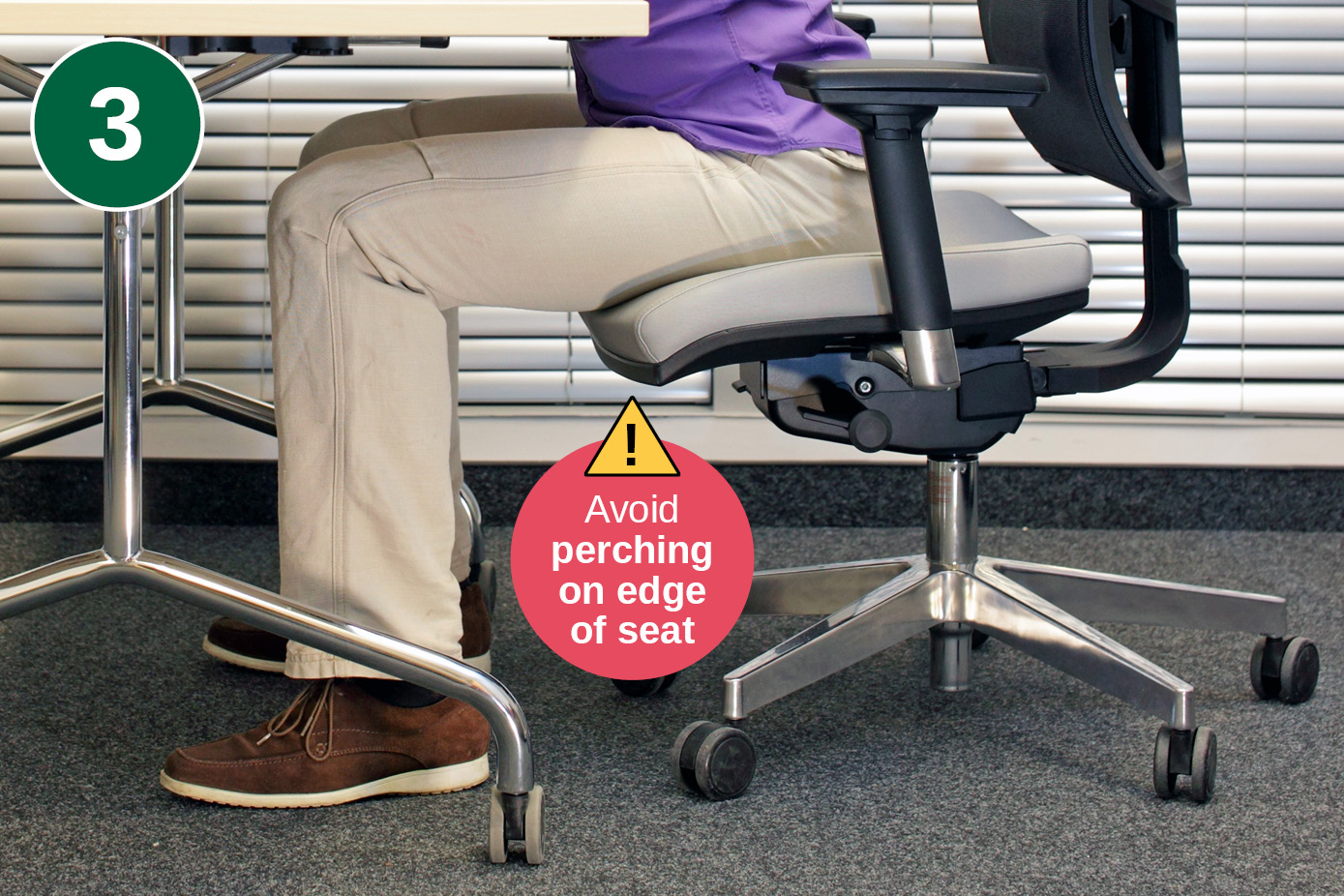
A key office posture tip is to avoid sitting on the edge of the seat of your office chair - doing so prevents the chair from supporting you properly, causes fatigue, and encourages slouching. Over time, this perching makes you slouch, flattening the natural inward curve of the lower back and so increasing the pressure on the lumbar discs and structures.
The solution
Improve your posture in the office by:
- Sitting with your bottom fully back in the chair, keeping your back in contact with the backrest, and pull your chair in close to the desk.
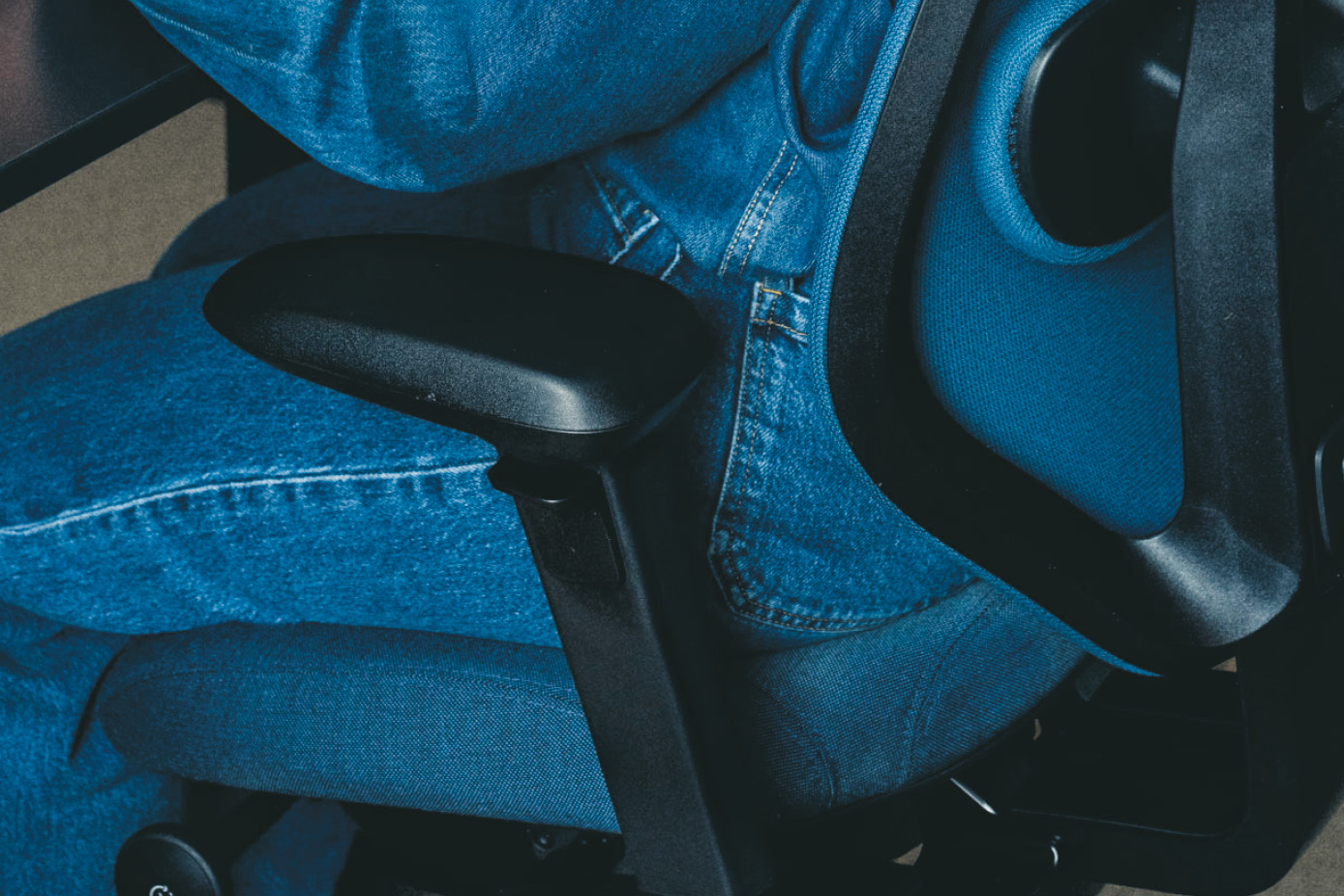
- A properly adjusted chair is the most effective way to maintain good posture. When the lumbar support is set correctly with the rest of the chair, it helps preserve the natural curve of your lower spine.
- If your chair has limited adjustment options, a lumbar support cushion can offer temporary relief, though it's not an ideal long-term substitute.
Most popular ergonomic office chairs
What other postural mistakes at a desk are common?
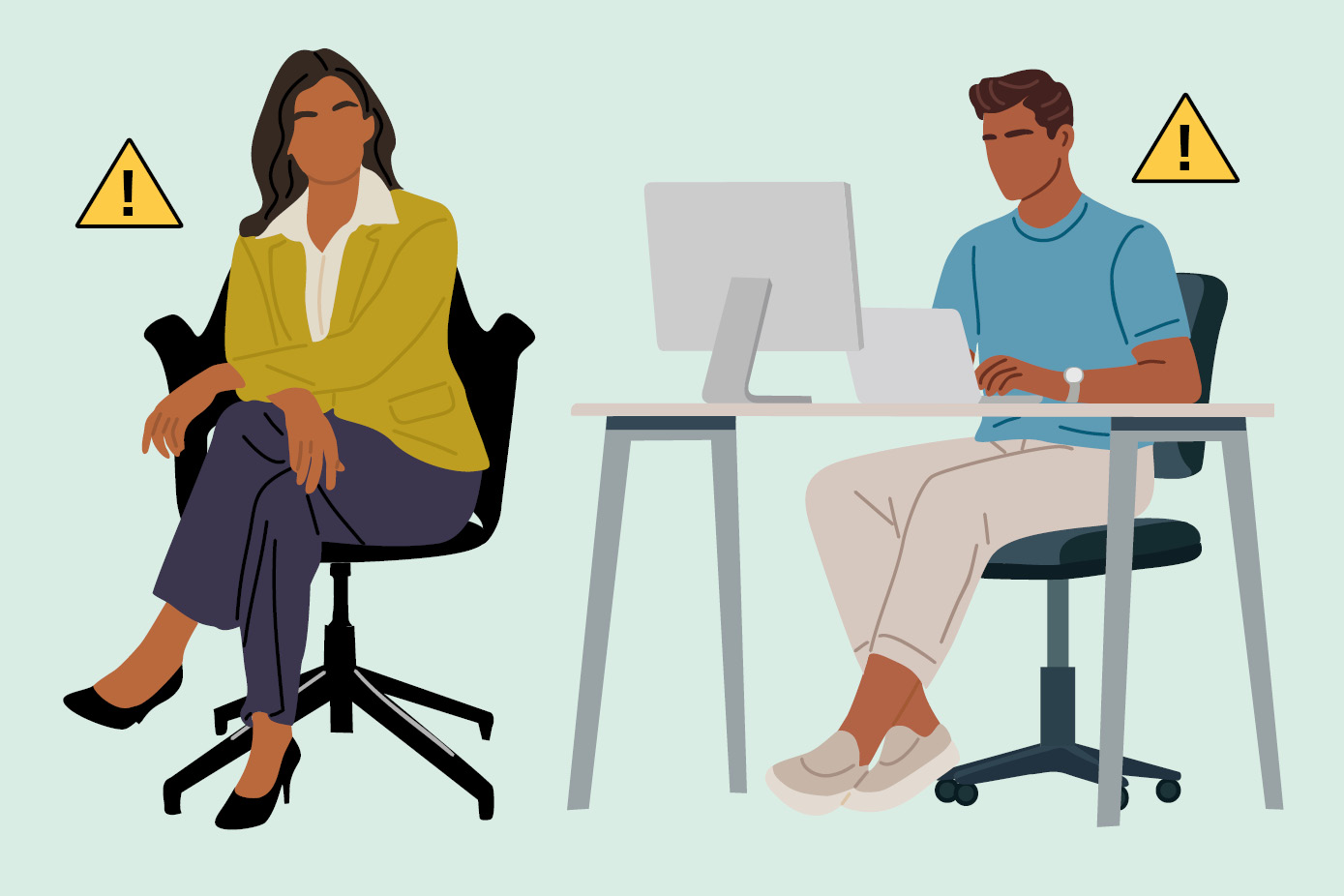
- Reaching forward, leading to slouching
- Leaning on one side
- Sitting too low (or high) in relation to the desk
- Working with the screen and or keyboard positioned too far away or too low
- Crossed legs
- Crossed ankles
- Sitting on a leg
“Wrong” office posture is typically any position that is sustained and places your joints in non-neutral positions for more than short periods. For example: slumped sitting with a rounded back, chin poked forward toward the screen, rounded shoulders, pelvis rotated back, leaning on one arm, or sitting with the keyboard and mouse too far away so you reach forwards reducing support and increasing tension.
Sustained poor positions is the most significant risk factor for posture-related pain.
Get more help and guidance from the ‘Easy, comfy, canny: posture tips for comfort at your desk’ webinar:
Frequently asked questions about posture in the office

What’s the best posture for sitting all day?
There isn't one! Instead of one posture, a series of good postures and movement is best.
With each different work activity, aim for a neutral, supported position and then move to the next, preferably with some activity in between.

Key points for a sitting posture to input at a computer are feet supported, hips slightly higher than knees, back supported (especially the lower back), shoulders relaxed, elbows close to your sides (~90°), wrists neutral and your screen at roughly eye level and an arm’s length away. All these elements will help you avoid so-called ‘prawn posture’.
Is it good to ‘sit up straight’ in the office?
Not rigidly. Holding a stiff upright posture can make you tired.
‘Sitting up straight’ can be helpful to avoid slouching or being twisted or asymmetrical - but a better goal is a comfortable neutral posture with regular movement.
Aim to be supported and relaxed.
Is sitting cross-legged at the desk bad for you?
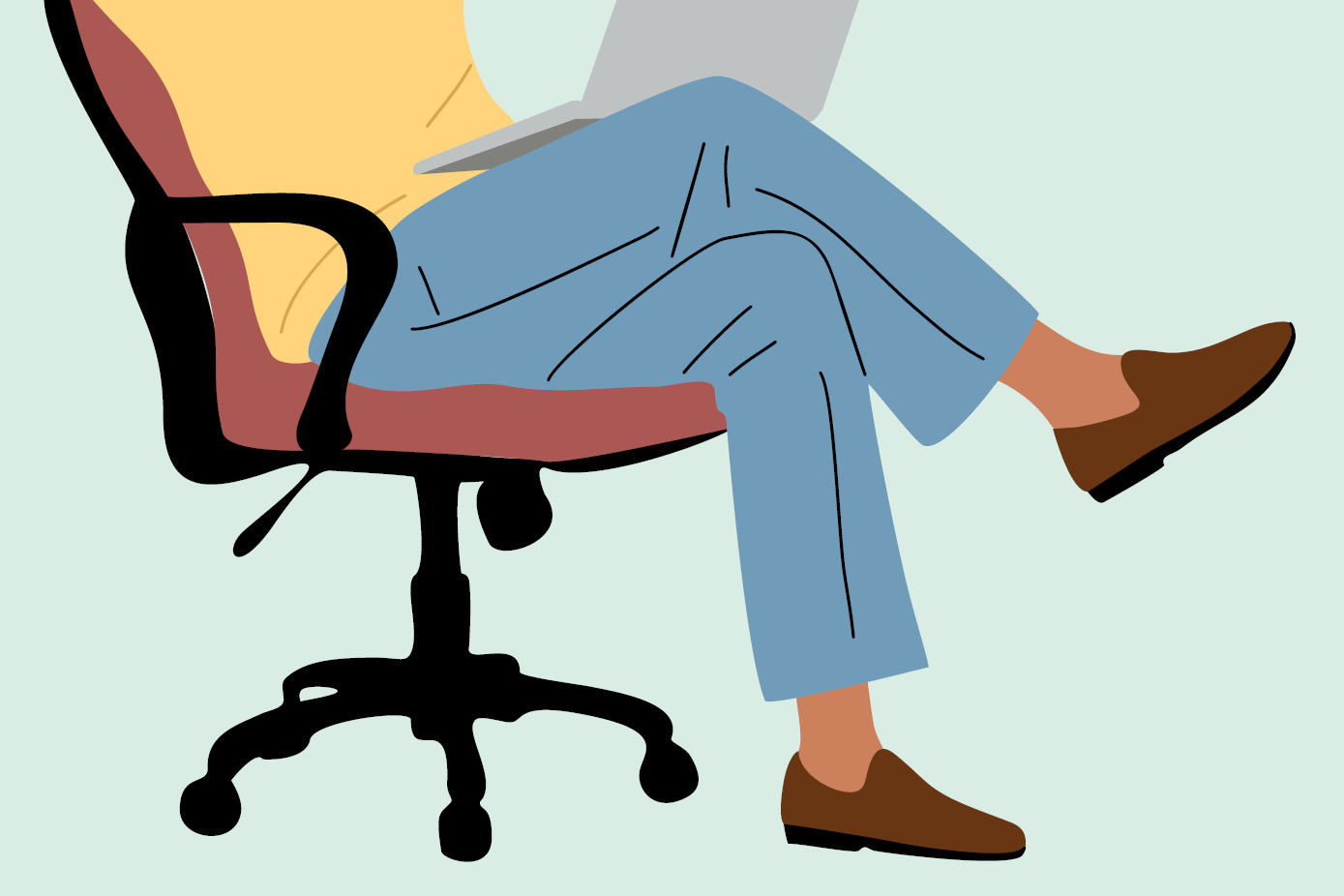
Yes, it’s not a great posture because it encourages body and pelvic twisting and uneven loading through the hips and lower back. This posture mistake actually has quite an impact up your spine. Sitting cross-legged (also known by some as criss-cross legs) can also reduce circulation if you do it for long periods.
If you feel the urge to cross your legs this may just be a sign that you need to get up and have a movement break.
If you do sit cross-legged at the office, treat it as a temporary position and change posture frequently. Five minutes on a Zoom call with somebody is fine.
Make sure that your chair is comfortable and adjusted for you. Could the habit be because you’re petite and the chair is much too big for you?
Crossing legs is worse than crossing ankles. Sometimes the Posturite DSE Assessors will encourage a cross-legged person to try crossing their ankles instead for short periods to try to help break the habit.
Are ‘ergonomic mistakes’ the same as ‘postural mistakes’?
If you get your ergonomics wrong, then you will have an influence on posture. Ergonomic mistakes can lead to postural problems, due to misalignment or overuse.
There are a number of ergonomic mistakes we make when we have a mismatch between the human, the setup and the activity we’re trying to do. Examples in an office would be:
- Inputting at a computer while sitting in a chair that is at the wrong height for us and doesn’t support our back.
- Working with our mouse and arm out to the side instead of in line with our shoulder. This can be habit or due to the keyboard being too wide for us – so try a compact keyboard.
- Failing to take enough activity breaks, causing your body to fatigue and be uncomfortable.
What is static posture? And what’s dynamic posture?
Static posture means holding the same position and the problem is that it doesn't stimulate the circulation. The muscles are working hard to maintain your position, but they're not moving.
Dynamic posture is the body's alignment and stability while in motion. Dynamic posture is relevant to healthy office work – regular movement reduces tissue loading, improves comfort and helps rather than hinders maintaining focus.
What kind of posture should you aim for when standing at a sit-stand desk?
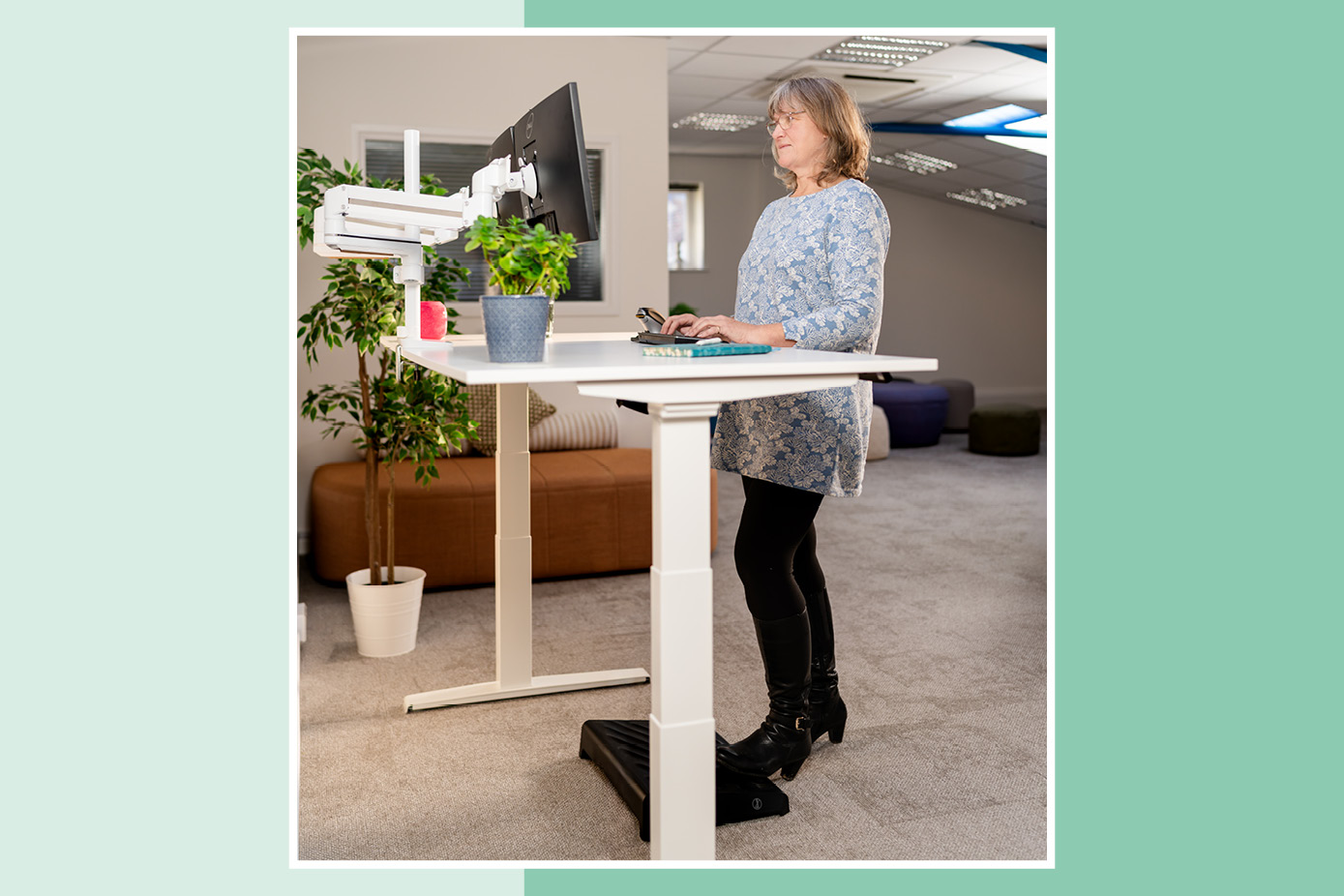
- Stand tall but relaxed.
- Weight evenly distributed.
- Knees ‘soft’ (not locked).
- Pelvis in a neutral position.
- Shoulders over hips.
- Head balanced over the trunk.
- You can rest one leg on a footrest and alternate it - just like using a bar rail. Raising your foot keeps a little activity, stimulates circulation, unlocks around the pelvis and it stops the knees getting rigid. This is great for people who like to fidget too.
- You can move from side to side a little bit if you like.
- Don’t stand for long periods.
Set your desk height so that:
- Elbows are about 90° with shoulders relaxed.
- Wrists are neutral.
- The top of screen or screens are at eye level.
From the waist upwards, you can see that the optimal standing position is similar to the optimal desk sitting position.
Is it OK for your posture to lean slightly back in your chair at the office?
Yes at times, absolutely, during work tasks such as:
- Talking on calls
- Watching and listening to presentations or webinars
- Letting an AI tool do its stuff
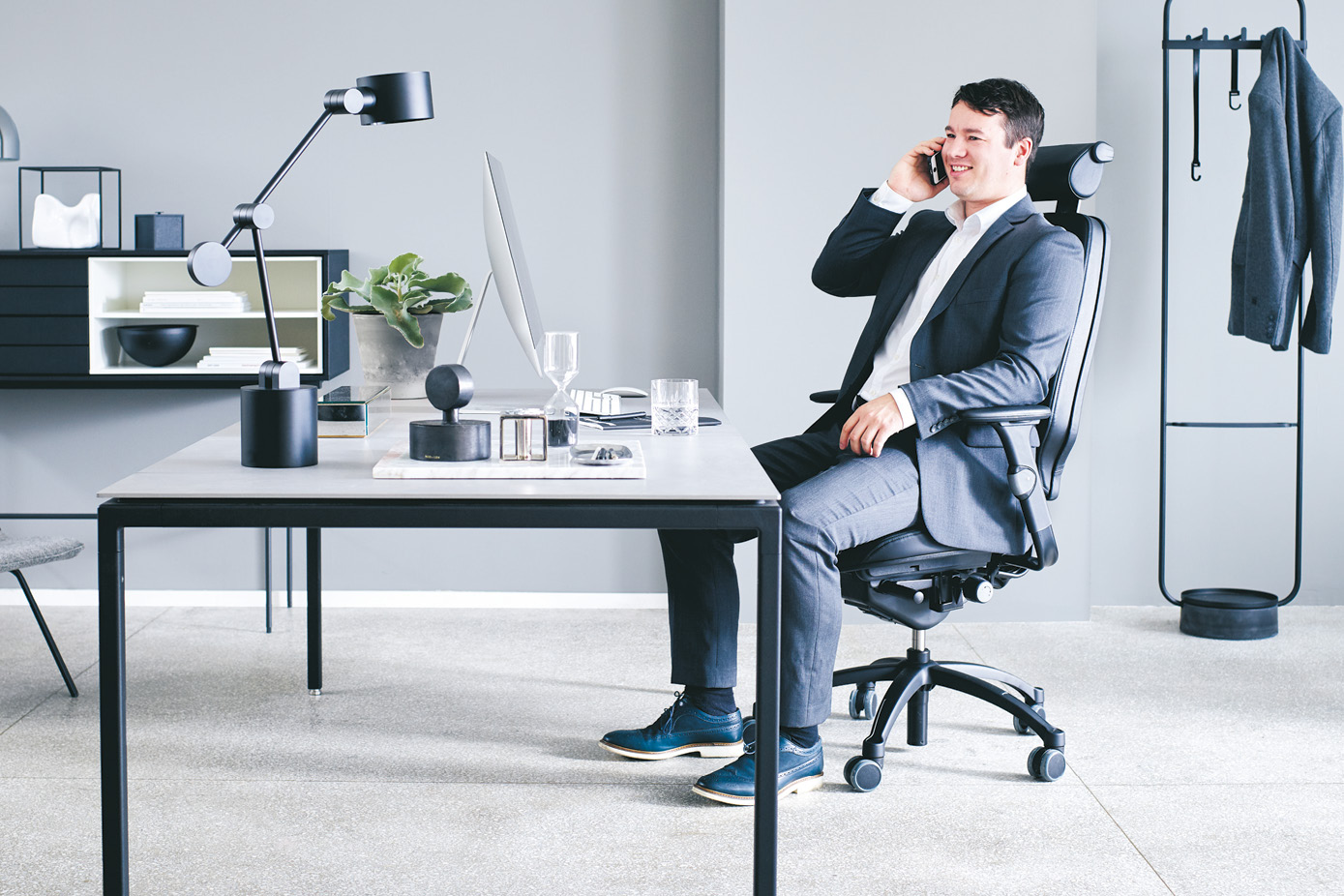
When you're doing non-inputting work, take the opportunity to lean back a little. You don't have to be bolt upright. Some of the best ergonomic chairs such as the Positiv Plus High Back Ergonomic Office Chair have a free-float mechanism and encourage movement backwards and forwards whilst maintaining support.
Is there a connection between anxiety and poor posture?
Yes there can be. Anxiety often increases muscle tension – especially in the neck and shoulders – and can lead to the more closed positions of rounded shoulders and head forward.
When you’re anxious, your shoulders might come upwards, and often you don't make such good eye contact and you're looking down a great deal.
Final thoughts
I hope this advice on office posture from Posturite’s Head Consultant in Ergonomics has been useful. You and your teams will feel the benefits if you can avoid having your head too far forward when working, avoid sitting or standing for hours without a break and stop yourself perching on the edge of your office chair. These are your key goals!
A common office posture mistake is “slumped sitting” with forward head and rounded shoulders, often paired with reduced lower-back support – this posture is easy to fall into. Check against the Art of Sitting Guide, make some simple adjustments to correct your posture and slump no more.

We have busy jobs, but it’s absolutely worth caring for our bodies and minds by making good posture and movement part of our working days. Giving just a little thought to posture will pay off big-time in short and long-term comfort and productivity.
If you’d like a one-to-one appointment with a Posturite specialist to help you with your working posture, a DSE assessment is ideal:
Find out more about DSE Assessments
Read next: